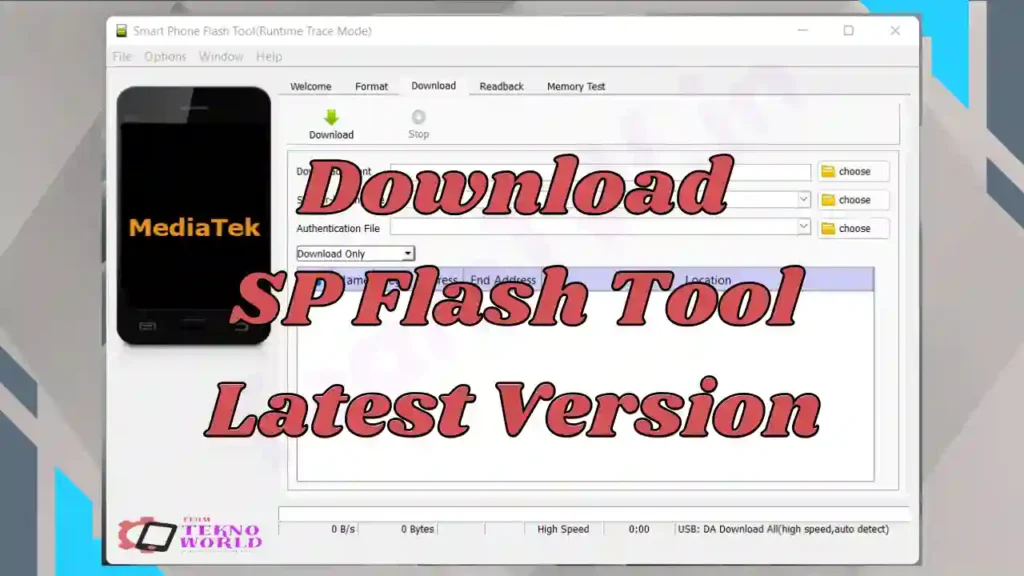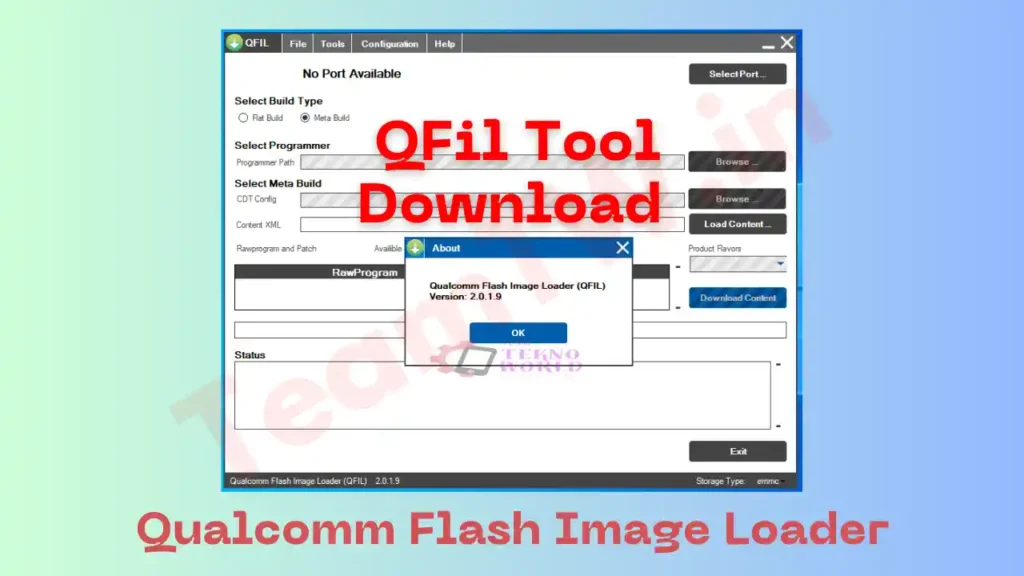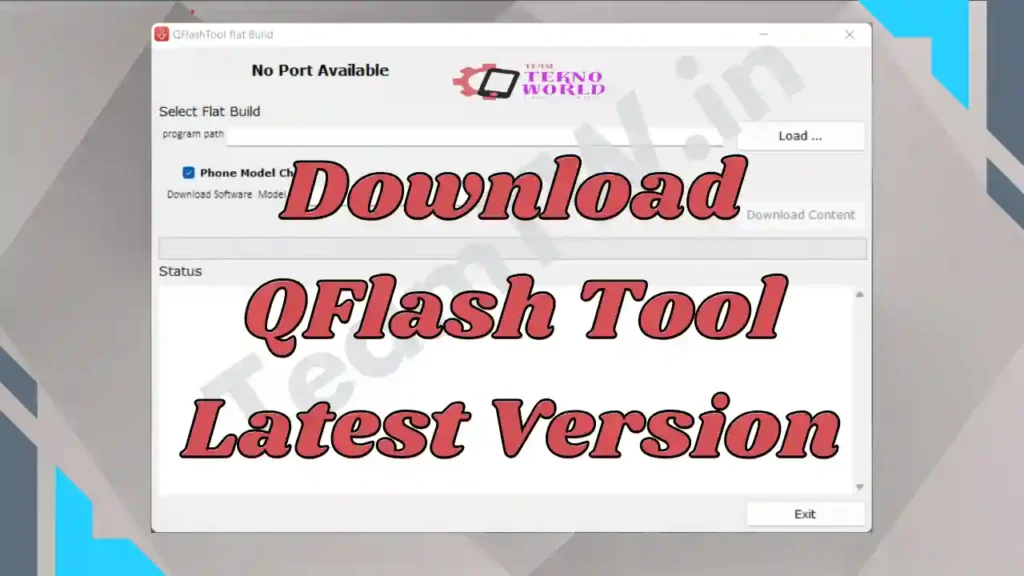

Agar aap Xiaomi smartphone ya tablet use karte hain aur kabhi software crash, bootloop, stuck on logo, update fail ya dead phone jaise issues face kiye hain, to Xiaomi Flash Tool Download aapke liye ek powerful aur official solution hai. Is Tool ko Mi Flash Tool bhi kaha jata hai, ek Windows-based firmware flashing utility hai jo specially Qualcomm chipset based Xiaomi devices ke liye develop ki gayi hai.
Is master guide me hum Xiaomi Flash Tool kya hai, iske features, latest & old versions download, installation, step-by-step flashing process, common errors, aur best practices detail me samjhenge – bilkul ek senior mobile repair expert ke practical training style me.
⚠️ Important Disclaimer
This guide is for educational and diagnostic purposes only.
Iska use sirf device connection, firmware flashing aur software troubleshooting ke liye karein.
Hum kisi bhi illegal modification ya security bypass ko promote nahi karte.
What is Xiaomi Flash Tool?
Xiaomi Flash Tool ek official software hai jo Xiaomi Corporation ke dwara develop kiya gaya hai. Is tool ka main use hota hai Fastboot firmware (Stock ROM) ko Xiaomi devices par flash karna.
Is tool ki madad se aap:
- MIUI update ya reinstall kar sakte ho
- Software bug fix kar sakte ho
- Bricked / dead device recover kar sakte ho
- Custom ROM ya root ko remove karke stock state me la sakte ho
👉 Important: Ye Flash Tool sirf Fastboot ROM flash karta hai, OTA ya Recovery .zip files ko support nahi karta.
Why Do We Need Xiaomi Flash Tool?
Xiaomi Flash Tool ki zarurat in common situations me padti hai:
- 🔧 Firmware Update Fail ho gaya ho
- 🔁 Bootloop ya stuck on MI logo
- 💀 Phone dead ho gaya ho (software issue)
- 🔄 Downgrade ya clean MIUI install karna ho
- 🔓 Unroot ya stock ROM restore karna ho
Simple words me:
Jab normal update ya reset kaam na kare, tab Tool last aur best option hota hai.
Xiaomi Flash Tool Features (Key Highlights)
🔹 Flash Stock Fastboot Firmware
Is Tool ka primary kaam official fastboot ROM flash karna hai, jisse device bilkul factory condition me aa jata hai.
🔹 Multiple Flashing Options
Tool me teen flashing modes milte hain:
- Flash All (Sab kuch erase)
- Flash All Except Storage
- Flash All Except Data & Storage
Isse user apni requirement ke hisaab se flashing control kar sakta hai.
🔹 Inbuilt Drivers Support
Is Flash Tool ke saath:
- Qualcomm USB Driver
- ADB & Fastboot tools
- MTP drivers
pehle se included hote hain, jo beginners ke liye kaafi helpful hai.
🔹 Wide Device Compatibility
Almost saare Qualcomm based Xiaomi devices – old aur new – is tool ke saath compatible hote hain.
System Requirements (Before Installation)
Flashing start karne se pehle ensure karein:
- ✔ Windows OS: XP / 7 / 8 / 10 / 11 (32 & 64-bit)
- ✔ Minimum 2 GB RAM (4 GB recommended)
- ✔ At least 5 GB free disk space
- ✔ Xiaomi USB Driver / Qualcomm Driver
- ✔ Bootloader unlocked (mandatory)
⚠️ Warning: Bootloader unlock process Xiaomi ke approval ke saath hota hai aur isme 72 hours tak lag sakte hain.
How to Install Xiaomi Flash Tool on Windows
Step 1: Tool Download & Extract
Mi Flash Tool ZIP download karke extract karein.
Step 2: Install Tool
MiFlashSetup.exe par double-click karein aur installation complete karein.
Step 3: Restart PC
Installation ke baad PC restart karna recommended hota hai.
How to Flash Firmware Using Xiaomi Flash Tool (Step-by-Step)
🔹 Step 1: Fastboot ROM Download
Apne exact Xiaomi model ke liye Fastboot ROM download karein aur extract karein.
🔹 Step 2: Phone ko Fastboot Mode me le aayein
- Phone power off karein
- Volume Down + Power key press karein
- Screen par Fastboot logo aayega
🔹 Step 3: Device Connect Kare
USB cable se phone ko PC se connect karein.
🔹 Step 4: Flash Tool Open Kare
- Tool open kare
- Select par click karke firmware folder choose kare
- Refresh button se device detect karein
🔹 Step 5: Flashing Option Choose Kare
- Beginners ke liye: Flash All recommended
🔹 Step 6: Flash Start Kare
- Flash button par click kare
- Process complete hone tak wait kare
🔹 Step 7: Finish & Reboot
Success message aane ke baad phone auto reboot ho jayega.
✅ Flashing Successfully Completed!
Common Errors & Troubleshooting
❌ Device Not Detected
✔ USB driver reinstall karein
✔ Different USB port / cable try karein
❌ Flashing Fail / Stuck
✔ Correct fastboot ROM verify karein
✔ Tool ko Run as Administrator karein
❌ “Mismatch Image and Device” Error
✔ Model number double-check karein
✔ Same region firmware use karein
Download Area
| Detail | Info |
|---|---|
| File Name | Xiaomi Flash Tool |
| Version | Latest |
| OS Support | Windows 7 / 8 / 10 / 11 (32 & 64 bit) |
| Use Case | Flashing, Firmware Install, Device Detection |
⚠️ Note: Galat driver flashing se device detect nahi hoga. Carefully use kare.
👉 Recommendation: Hamesha latest stable version use karein for better success rate.
Conclusion
Xiaomi Flash Tool Download Xiaomi users aur mobile technicians ke liye ek trusted, powerful aur essential flashing solution hai. Agar aap MIUI update, software repair, ya dead phone recovery karna chahte hain, to Ye Flash Tool aapke toolkit ka sabse important hissa hona chahiye.
Hamesha yaad rakhein: correct fastboot ROM + unlocked bootloader + patience = successful flashing.
Related Guides
- Qualcomm USB Driver Download
- How to Unlock Xiaomi Bootloader
- Qualcomm Flashing Basics
Frequently Asked Questions (FAQ)
Q1. Xiaomi Flash Tool kya hai?
Ye ek official Windows tool hai jo Xiaomi devices par fastboot firmware flash karta hai.
Q2. Kya Ye Tool free hai?
Haan, ye 100% free aur official tool hai.
Q3. Kya internet connection required hai?
Nahi, flashing ke time internet ki zarurat nahi hoti.
Q4. Kya OTA ROM flash ho sakta hai?
Nahi, sirf Fastboot ROM supported hai.
Credits & Disclaimer
Xiaomi Flash Tool ko Xiaomi Corporation ne develop aur distribute kiya hai. Ye guide sirf educational & technical guidance ke liye hai. Galat flashing se hone wale kisi bhi damage ke liye Team Tekno World zimmedar nahi hoga.
Article compiled, optimized & presented by Rakesh Chauhan – Team Tekno World